Exporting consent records
Sometimes you need a tangible file you can hand to a regulator, a lawyer, or a customer who's asked for their data. The Export feature in the Consent Audit gives you exactly that.
When to export
A regulator asks for proof that consent was collected before a specific date.
A customer files a privacy request and asks for the consent record you hold on them.
Your legal team needs the records for a periodic compliance review.
Permissions
Only Owners and Admins can export. Users can view and search the audit, but the Export button is hidden for them.
Run an export
Open the Consent Audit details page for the user you want to export. (See Searching consent records.)
Click Export in the top right.
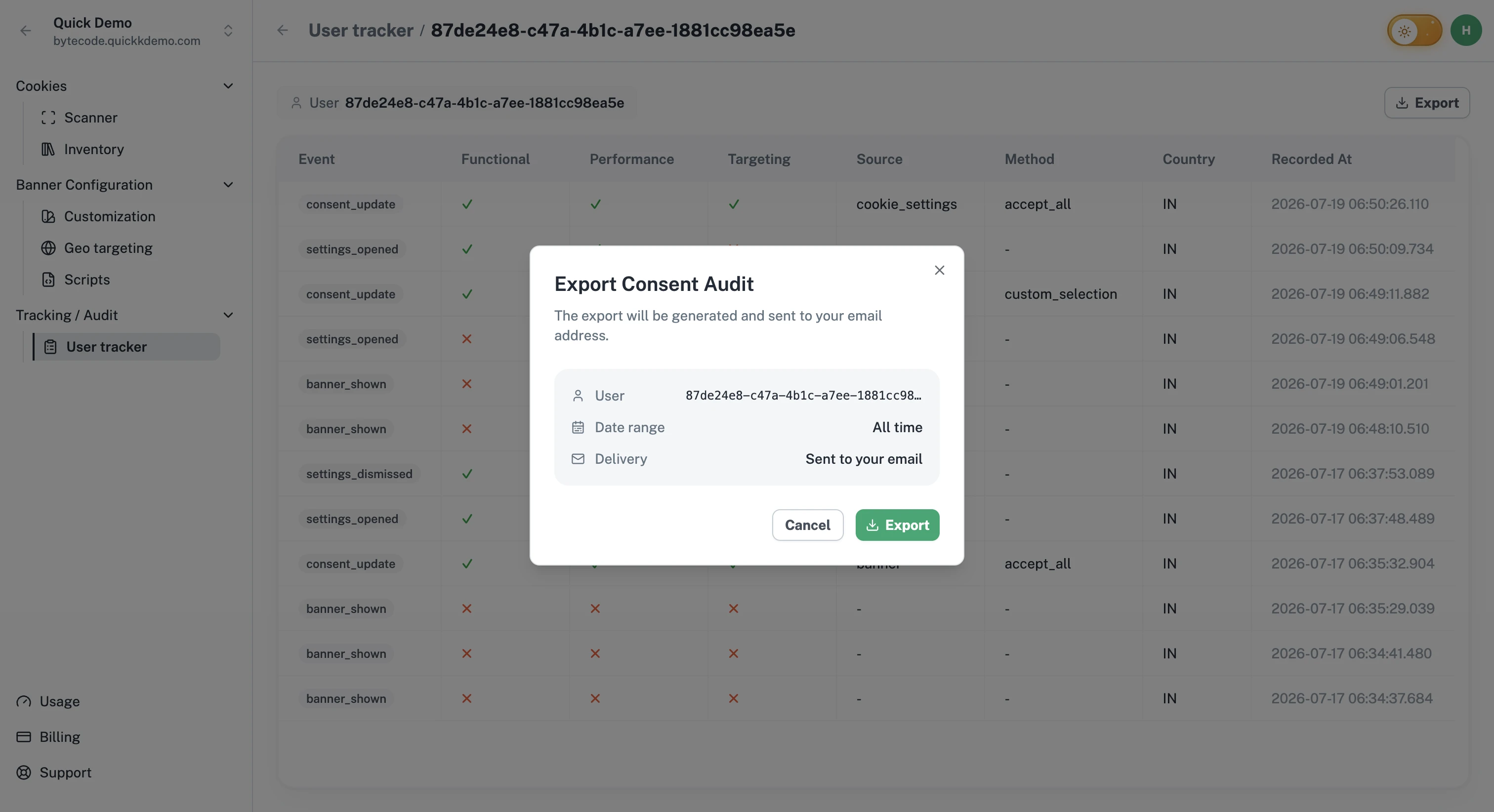
A short dialog opens showing what's about to be exported:
The User ID.
The date range (or "All time" if no date was set).
A note that the export will be sent to your email (the address on your account).
Click Export. One Privacy generates the export and emails it to you.
What you get
The export contains the visitor's consent events with the same information you see on the details page: the user ID, each event, the per-category consent state, the source and method, the country, and the recorded timestamp.
How long it takes
Most exports arrive in a couple of minutes. If yours takes longer (a long date range or many events), give it 10 to 15 minutes before assuming something went wrong. If it still hasn't arrived, contact support.
Reusing exports
Each export is generated fresh, so you can run as many as you need. Treat them like reports rather than permanent files.