Draft, Test, Live workflow
Banner changes go through three stages so you never break the live experience by accident. Most teams move through them in this order: edit privately, verify on staging, then publish to the real website.
The three stages
Draft. Your private workspace. Make changes freely. Nothing is public yet.
Test. Your changes are pushed to a test environment so you can preview them on a staging or development site, exactly as a visitor would experience them.
Live. Your changes are pushed to your real website. All visitors see them right away.
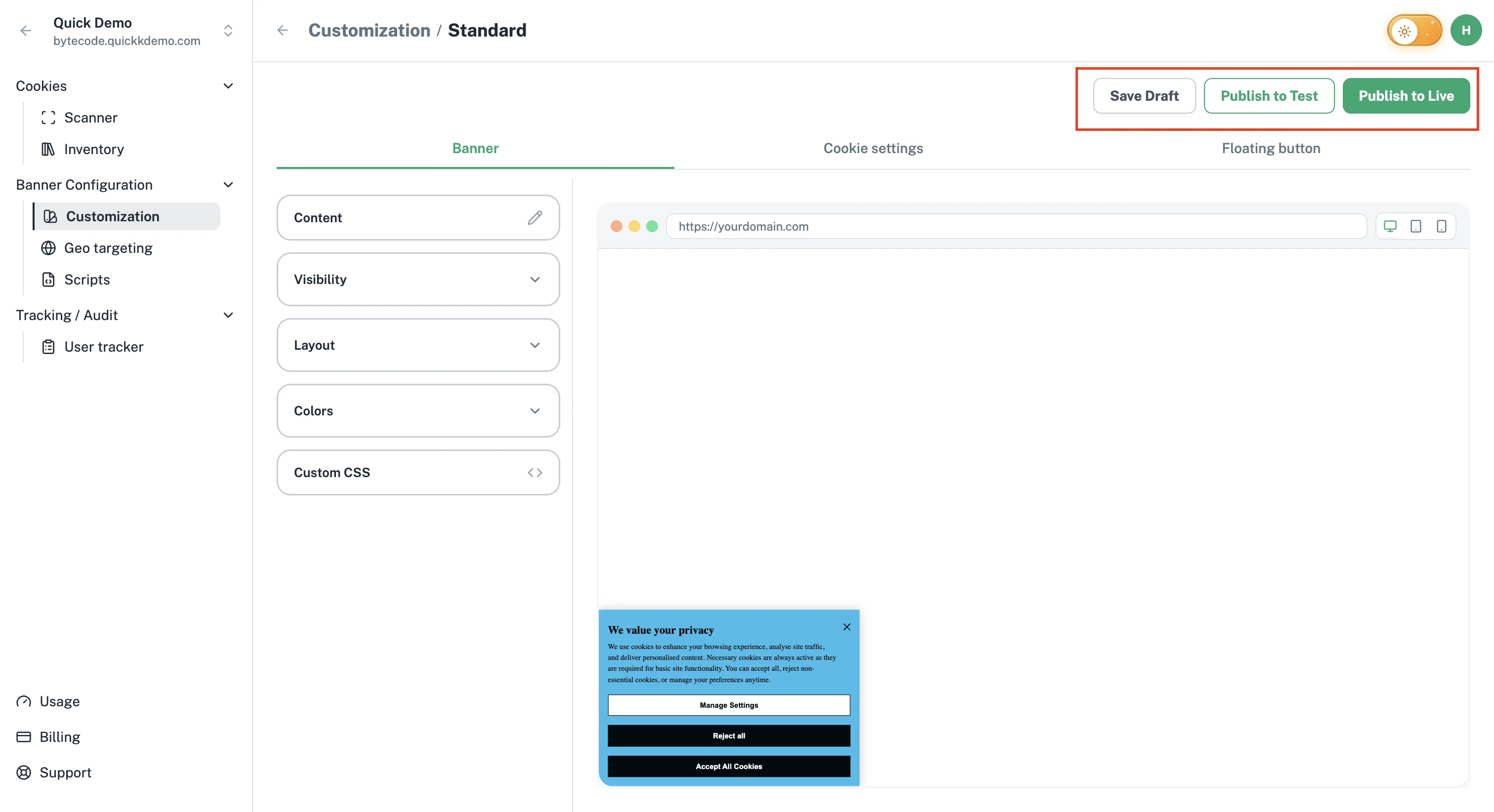
Stage 1: Save Draft
When you're partway through editing and want to step away, click Save Draft.
A confirmation dialog appears. Click Save Draft to confirm.
Your work is saved against the project but not visible anywhere outside the dashboard. You can come back later and pick up where you left off.
Stage 2: Publish to Test
When the banner looks right in the live preview, click Publish to Test.
This pushes your changes to the test environment. Use the Test install snippet on your staging or development site to see the banner running for real.
See Publishing to Test.
Stage 3: Publish to Live
When you're confident the test version is right, click Publish to Live.
A confirmation dialog reminds you that this will reach all your visitors immediately. Click Publish to Live to confirm.
See Publishing to Live.
Suggested rhythm
A workflow that works well for most teams:
- Make changes in the dashboard. Use the live preview to catch obvious issues.
- Save Draft if you need to step away.
- Publish to Test and check the banner on your staging site, especially on mobile.
- Publish to Live when you're confident.
Permissions
Owners and Admins can save drafts, publish to Test, and publish to Live. Users can view the customization screen but cannot publish.